Free DAX practice online
Write a real measure on real sales data below, with no signup. Then learn the rest, from SUM to advanced DAX.
Start the DAX lessons →DAX exercise: CALCULATE
Level: Medium · No signup required
Sales in one country
Create a measure called Canada Sales that returns [Total Sales] for Canada only, even when the table is split by Segment.
CALCULATE takes a measure first, then a filter such as table[column] = "value".
Canada Sales = CALCULATE([Total Sales], financials[Country] = "Canada")
Expected result
Your result
Run your measure to see it here.
- 187DAX functions you can run
- 60hands-on DAX lessons
- 13real job projects
- 700rows of real sales data
From your first SUM to advanced DAX
Six stages, in the order that makes DAX click. Earn a badge at the end of each one.
Not a video. You do the work.
Every lesson opens our Power BI practice simulator. You write the measure, build the visual, and see right away if it's correct.
Open the first DAX lesson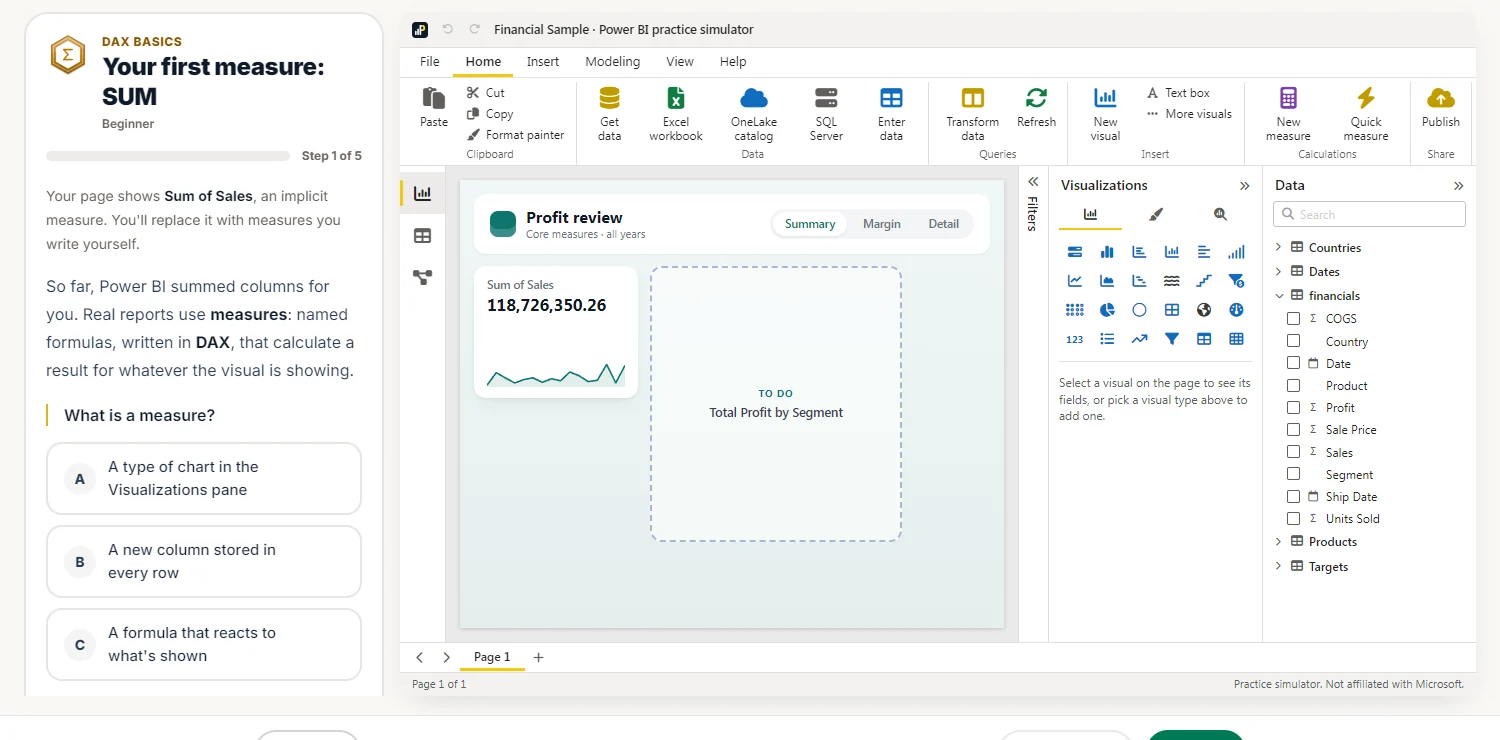
The DAX you'll learn
Each function has a free guide with the syntax, worked examples and a box to run it yourself.
- EasySUMAdd up the units sold
- EasyCOUNTROWSCount the sales rows
- EasyDISTINCTCOUNTHow many countries bought each product?
- EasyDIVIDEProfit margin
- MediumCALCULATESales in one country
- MediumALLShare of all sales
- MediumSUMXRevenue from price and units
- MediumIFProfit or loss?
- MediumSWITCHSize each product
- HardRANKXRank the countries
- HardSAMEPERIODLASTYEARSales last year
- HardUSERELATIONSHIPSales by ship date